
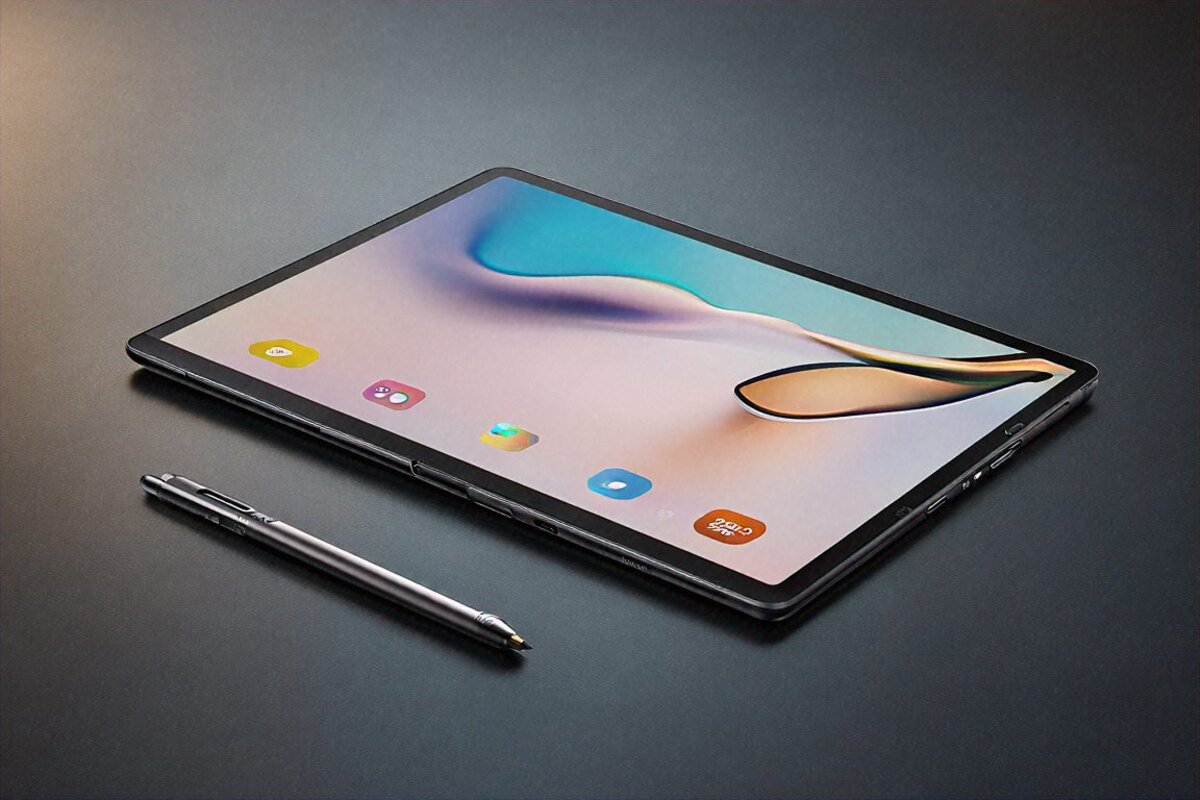
Stop Asking If It Beats the iPad — That’s the Wrong Question
You already know the question. Every Tab S Ultra launch, it’s the first thing out of everyone’s mouth: “yeah, but is it better than the iPad Pro?” I’ve had the Galaxy Tab S10 Ultra on my desk for a month now, and I’ve started dodging that one. Not because it’s hard to answer. Because it assumes these two tablets are competing for the same job, and they’re really not. They share a price tag and a screen size. After that the overlap pretty much runs out.
Think of it this way. The iPad Pro M4 is a brilliant drawing slate stuck inside an OS that won’t let you do half of what you want. The Tab S10 Ultra is a work machine that happens to run Android — real file management, real multitasking, sideloaded apps, a desktop mode that isn’t an apology. So if you draw, buy the iPad. If you want to actually work on a tablet the way you’d work on a laptop, this is the one. And I’m saying that as someone who’s been buying Samsung slates since the very first Galaxy Tab landed back in 2010.
None of that comes cheap. The 12 GB/256 GB Wi-Fi model is ₹1,08,999. Here’s what the money actually gets you.
The Screen Is Genuinely Ridiculous (in a Good Way)
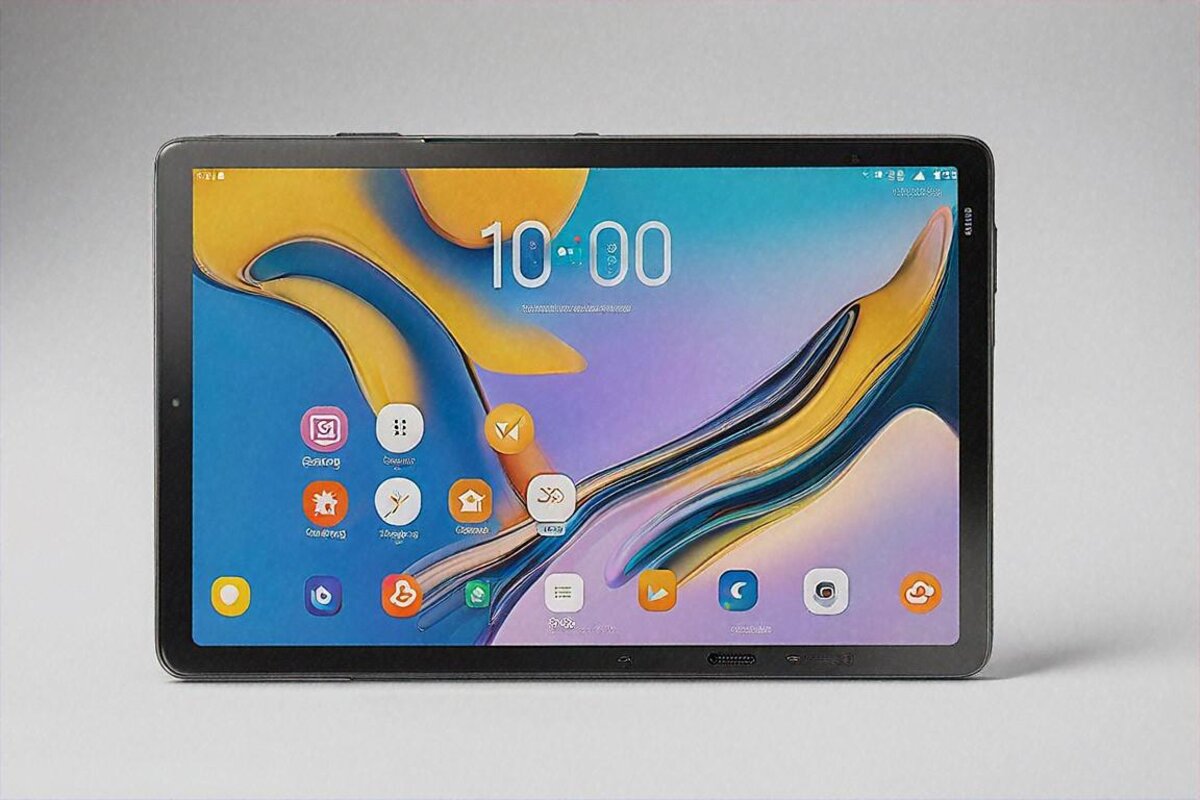
14.6 inches. Read that again. Almost fifteen inches of Dynamic AMOLED. This stopped being a tablet display somewhere around the twelve-inch mark — it’s a small TV you hold in your hands. Someone’s going to say that’s too big, and for lying in bed scrolling Instagram, sure, maybe it is. But that’s not why anyone buys this thing. For everything else, the size is the entire pitch.
You’re looking at 2880 by 1752 at 120 Hz. Colours land rich without tipping into that oversaturated mess Samsung used to ship on its phones — they’ve actually fixed that here. The S Pen glides across the panel with no lag I could feel. I spent a full weekend taking handwritten notes through an online course and my wrist held up better than on any smaller slate, mostly because I wasn’t squashing my handwriting to fit a cramped surface.
HDR10+ and Dolby Vision are both in, so Hotstar, Netflix, and Prime all look the part. Blacks on this AMOLED go properly deep. Watching Mirzapur at midnight with the lights off, I genuinely lost track that I was staring at a tablet and not a telly on the wall.
There’s a small cutout up top for the 12 MP selfie camera. If you’re the sort who notices bezels it’ll nag at you for a day or two. By day three I’d stopped seeing it. The bezels everywhere else are thin enough that the screen feels like it runs almost to the edge.
Premium Build, but Pack Your Wrist Some Patience
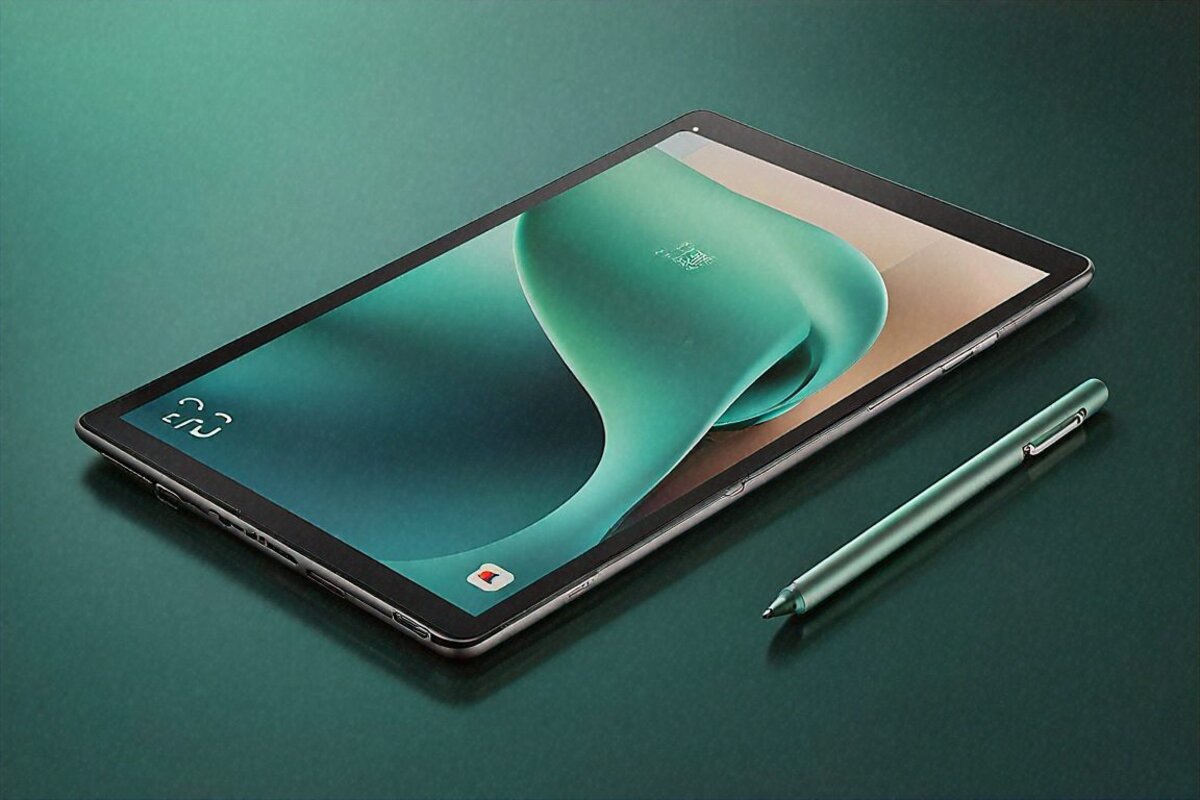
At 5.4 mm thick it’s shockingly slim. The frosted glass back with its metal camera island reads as quietly expensive, which I prefer to Apple’s blunter aluminium look. It comes in Graphite and Moonstone Grey — I went Graphite because the darker finish hides fingerprints, and fingerprints are a war you cannot win.
Now the part nobody likes admitting. 718 grams for the Wi-Fi model. That is not light. Hold it one-handed for a long reading session and your wrist will file a complaint. This tablet wants to sit on a desk, propped in its keyboard cover, behaving like a laptop. That’s where it’s happiest. Try treating it as a handheld for more than twenty minutes and you’ll be reminded it outweighs some ultrabooks.
The keyboard case — sold separately, because of course it is, why do all the premium makers pull this stunt — turns it into something that genuinely passes for a laptop. The trackpad keeps up, the keys have real travel, and the magnets grip firmly enough that it doesn’t wobble on my lap during train journeys.
Two S Pens in the Box — This Is the Bit Apple Can’t Match
Here’s where Samsung walks away from everyone. Two S Pens come in the box. A full-size one for proper work, and a slim one that tucks into the keyboard case for quick jots and navigation. Both included. No ₹11,900 surcharge of the kind Apple cheerfully tacks on.
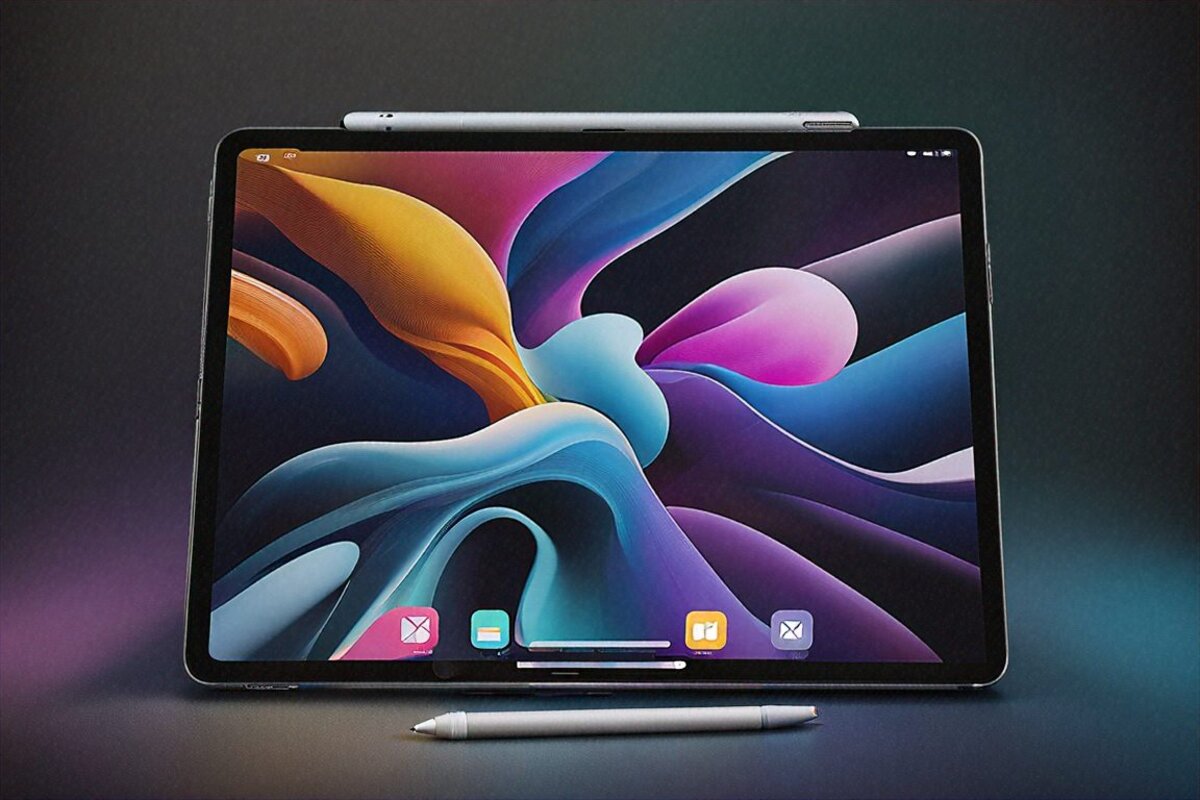
Samsung’s stylus has always been solid, but this generation crossed a line where I’d genuinely rather use it than the Apple Pencil for note-taking. Not for art — the Pencil Pro’s barrel roll is still in a class of its own for that crowd — but for writing, marking up PDFs, signing documents, and the odd quick sketch, the S Pen is quicker to grab and feels more natural in the hand.
4096 pressure levels, latency you’d need a slow-mo camera to spot, and palm rejection that actually holds up. Samsung Notes is a quietly excellent app that syncs across my phone, tablet, and laptop. I scribble something in a meeting and it’s waiting on my phone by the time I’m back at my desk. The downside? You’re locked into Samsung’s ecosystem to get that magic — it doesn’t reach across to non-Galaxy gear.
Snapdragon 8 Gen 4 — Frankly More Than You’ll Use
The Snapdragon 8 Gen 4 with 12 GB of LPDDR5X is the fastest Android tablet I’ve put through its paces. No qualifier needed. Nothing else is close right now.
I had four apps running at once in multi-window — Chrome with a dozen tabs, Samsung Notes, a YouTube video floating in PIP, and Excel chewing through a fiddly spreadsheet. No stutter, no app reloads, everything sat in memory and answered the second I tapped it. This is the trick where the chip and the giant screen lock together to do something no other tablet, iPad Pro included, can pull off.
4K editing in Kinemaster Pro runs clean. Genshin Impact at max settings holds its frame rate without throttling across my half-hour sessions. The chip warms up under sustained load but never gets hot enough that holding it is uncomfortable.
Galaxy AI is worth a mention because it’s gone past being a slide in a keynote. Note Assist boils my meeting scrawl down to bullets. Transcript summaries turn long voice recordings into something readable. The Gallery’s AI editing lets me wipe out objects, stretch backgrounds, and reframe shots. I reach for these daily, which is more than I can say for most “AI features.”
Samsung DeX — The Actual Laptop Stand-In
DeX is Samsung’s desktop mode, and on the Tab S10 Ultra it’s matured into something you can genuinely work in. Plug into a 4K monitor, pair a Bluetooth keyboard and mouse, and you’ve got a desktop setup that handles email, browsing, documents, and video calls without straining.
Windows resize and stack. The taskbar along the bottom apes a proper desktop. Right-click menus do what right-click menus should. It isn’t Windows or macOS, but for maybe 70% of what an office worker does all day, DeX covers it. The other 30% is where you bump into desktop-only software — certain banking tools, niche engineering apps, that sort of thing.
I ran a whole workday in DeX just to see. Outlook for email, Microsoft 365 for documents, Slack for the team, Chrome for digging around, and a Zoom call after lunch. It all worked. Was it as slick as my ThinkPad? No. Was it a perfectly usable day when I’d left the laptop at home? Easily.
Battery and Charging
11,200 mAh. That’s an enormous cell, and the stamina shows it. Looping video gets you somewhere in the 12 to 14 hour range. Mixed work — note-taking, browsing, email, a bit of streaming — lands around 8 to 10. A full working day with change to spare.
Samsung throws a 45W charger in the box, which Apple could stand to copy. Empty to full runs about 90 minutes. Not the quickest going — the OnePlus Pad 3 does it in 75 with its 67W brick — but more than fine for how I use it. I top up overnight and never think about it during the day.
Software — One UI 7.0 Tablet Edition
Android 15 under One UI 7.0 Tablet Edition is the most polished tablet software Samsung’s shipped. The split-screen work is excellent — drag from the edge to split, float a window for a quick task, drop into DeX for the full desktop. You can tell someone actually thought about how people use big Android screens.
App support on Android tablets has come a long way. Most of the big names — Instagram, Twitter, banking apps, the productivity suites — now ship proper tablet layouts or at least scale up cleanly. It’s not iPadOS-level across the board, and I won’t pretend otherwise, but the gap’s a lot narrower than it used to be.
Four years of Android updates, five of security patches. On a ₹1,08,999 device that’s the floor I’d expect, and credit to Samsung for hitting it. Knox handles the enterprise-grade security side for business users.
Speakers and Media
Four AKG-tuned speakers with Dolby Atmos. They go loud enough to fill a medium room, and the stereo spread across that 14.6-inch body is honestly impressive. Bass is thin — it’s still a tablet — but the mids and highs come through clean. Watching films or YouTube without headphones is a good time here, better than most slates I’ve used.
Connectivity
Wi-Fi 7 and Bluetooth 5.4 both onboard, with an optional 5G version if you need mobile data. The USB-C port does data, charging, and display out. Samsung’s Universal Transfer shuttles files between Galaxy devices without fuss, and you can mirror wirelessly to a Samsung TV too.
The Cameras Are Better Than They Have Any Right to Be
Round the back it’s a dual setup — 13 MP main, 8 MP ultrawide. For a tablet, surprisingly capable. Document scans come out quick and sharp. The rear camera holds up fine for the odd presentation. I’ve shot whiteboards after meetings with it and the OCR in Samsung Notes pulls the text almost every time.
The 12 MP wide front camera is the real treat on video calls thanks to that huge display. On Zoom or Google Meet, having a 14.6-inch screen showing everyone while the wide lens captures you beats any laptop call I’ve done. It grabs enough of the room that you stop fussing over your framing, and the auto-framing trick follows you around and keeps you centred — handy when you’re presenting and pacing about.
How It’s Held Up, and the Update Promise
A month of living in my bag and the Tab S10 Ultra’s come through it well. That frosted back resists scratches better than I’d guessed, though I’d still slap a case on it if you’re rough with your kit. The Gorilla Glass screen hasn’t picked up a single visible scratch despite going naked for the first fortnight.
Four years of Android updates means this thing will be on Android 19 before support runs out. For a ₹1,08,999 buy, that matters — you’re getting something that stays current and secure for the better part of a decade. Knox piles on the enterprise stuff business users care about: secure folder, work profiles, IT admin controls.
The Ecosystem Trick Nobody Talks About
If you’ve already got a Galaxy phone and maybe some Buds or a Watch, the Tab S10 Ultra slides into that setup with a smoothness iPhone owners take for granted and Android folks almost never get. Quick Share moves files between Galaxy devices in seconds. Samsung Notes syncs everywhere you’re signed in. Calls ring on the tablet if it’s on the same Wi-Fi. Copy text on the phone, paste it on the tablet.
Second Screen lets you turn the Tab into a wireless extra display for a Samsung laptop. I tried it with a Galaxy Book and it held up better than expected — low latency, decent resolution, and the S Pen even worked as an input on the extended screen. For anyone who travels with a Samsung laptop and wants a second monitor in a hotel room without lugging a portable panel, that’s a clever little trick I haven’t seen many people flag.
The shared clipboard is the bit that quietly wins me over. I’m forever copying a URL or an address on my phone while commuting, then pasting it into a document on the tablet once I sit down. Tiny thing. Adds up over weeks. Samsung’s ecosystem still isn’t as airtight as Apple’s — nothing on Android is — but it’s the closest any Android maker has got, and on this tablet you actually feel the payoff.
Specifications
| Specification | Details |
|---|---|
| Processor | Snapdragon 8 Gen 4 |
| RAM | 12 GB LPDDR5X |
| Storage | 256 GB / 512 GB UFS 3.1 |
| Display | 14.6″ Dynamic AMOLED, 2880×1752, 120 Hz |
| Battery | 11,200 mAh, 45W fast charging |
| S Pen | Dual S Pen included (regular + slim) |
| Weight | 718 g (Wi-Fi) |
| Speakers | Quad speakers, AKG tuned, Dolby Atmos |
| OS | Android 15, One UI 7.0 Tablet Edition |
| Connectivity | Wi-Fi 7, Bluetooth 5.4, optional 5G |
| Front Camera | 12 MP Wide Angle |
| Colours | Graphite, Moonstone Grey |
Pros
- 14.6-inch Dynamic AMOLED is the largest and best tablet display on Android
- Both S Pens included in the box — no extra purchase needed
- Samsung DeX provides a genuinely usable desktop experience
- Quad AKG speakers with Dolby Atmos sound excellent
- Galaxy AI features add real, daily-use productivity value
- Snapdragon 8 Gen 4 handles anything you throw at it
Cons
- ₹1,08,999 is hard to justify unless you’ll really use the productivity features
- At 718 g, it’s too heavy for comfortable handheld use
- Android tablet app optimisation still lags behind iPadOS
- Keyboard case sold separately despite the premium price
- 45W charging is adequate but slower than OnePlus competition
The Exact Person Who Should Buy This
Let me describe who I’d actually point at this. You’re a working professional — consulting, teaching, sales, something with travel baked in. You’re already in Samsung’s world with a Galaxy phone and maybe a set of Buds. You need a device for client presentations, meeting notes, document review on flights, and a bit of entertainment when you’re stuck in a hotel. And you’d rather not haul a full laptop for every two-day trip.
That person should buy this and stop second-guessing. DeX handles presentations on external screens beautifully. The dual S Pen sorts your note-taking with no accessory scavenger hunt. The 14.6-inch AMOLED makes spreadsheets and documents comfortable instead of squinty. The battery covers a day of meetings. And come evening, you’ve got the best portable screen money can buy.
If that’s not you — if you’re a working artist, or just want something for Netflix and YouTube — there are smarter buys. The iPad Pro for the artists. A Tab S9 FE or a OnePlus Pad for casual use at half the price. The Tab S10 Ultra is a professional tool and it’s at its best when you treat it as one.
I’m carrying it instead of my laptop three days out of five now. For what I do — writing, research, email, calls, notes — it’s enough. More than enough, really. And it slips into a bag pocket my ThinkPad never had a hope of fitting.
Price in India
The Samsung Galaxy Tab S10 Ultra starts at ₹1,08,999 in India for the 12 GB / 256 GB Wi-Fi variant. You’ll find it on Samsung.com, Amazon India, and Flipkart. The keyboard case and the rest of the accessories are priced separately.
Full Specifications
| Processor | Snapdragon 8 Gen 4 |
|---|---|
| RAM | 12GB LPDDR5X |
| Storage | 256GB/512GB |
| Display | 14.6" Dynamic AMOLED 2880×1752 120Hz |
| Battery | 11200mAh 45W |
| S Pen | Dual included |
| Weight | 718g Wi-Fi |
| OS | Android 15 One UI 7.0 Tablet |
Pros
- 14.6-inch AMOLED largest tablet display
- Dual S Pen included
- Samsung DeX desktop mode
- Quad speaker AKG Dolby Atmos
- Galaxy AI productivity features
Cons
- Very expensive ₹1,08,999
- iPadOS more comprehensive ecosystem
- Heavy 718g handheld
- Limited Android tablet apps
Our Rating: 8.9/10 · Price: ₹1,08,999


0 Comments