
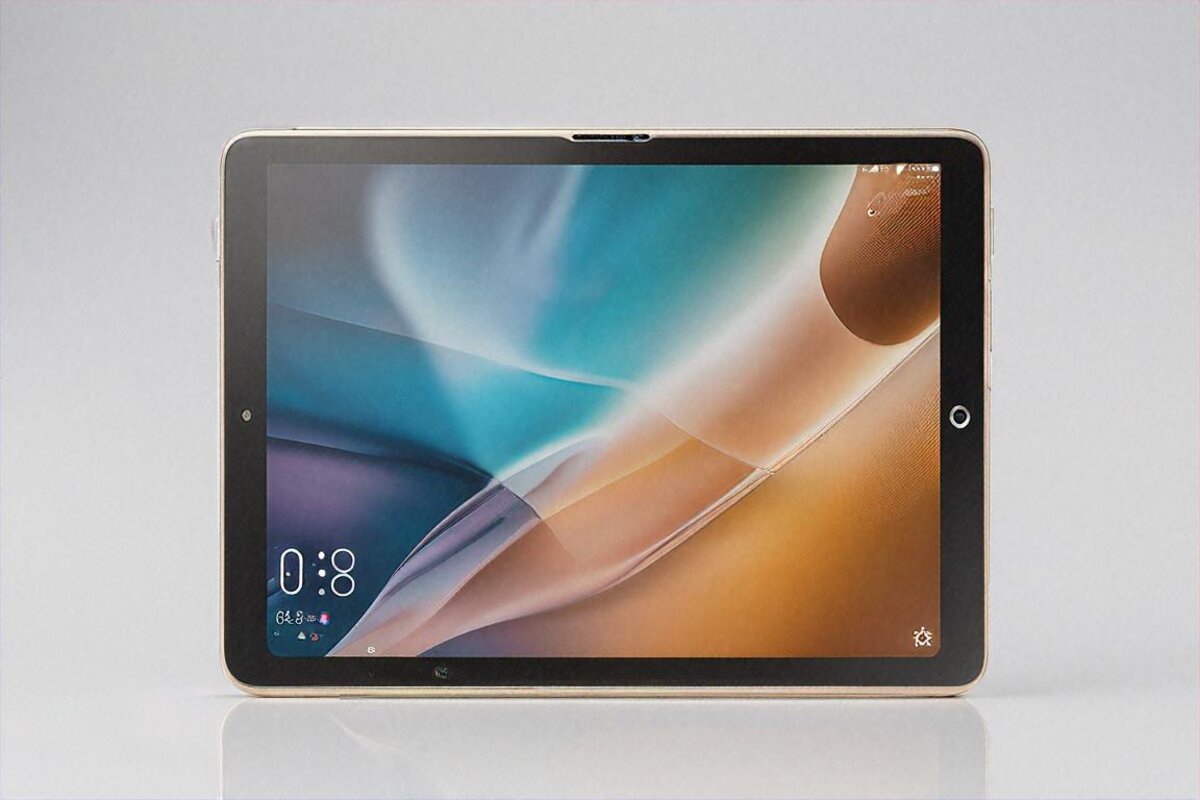
₹28,999. That’s the whole price. And that’s the number that made me read the announcement twice when Xiaomi brought the Pad 7 Pro to India. For that money you get a Snapdragon 8 Gen 3, a 144Hz panel, and stylus support — a spec sheet that Apple or Samsung would’ve charged you ₹50,000-plus for barely a year and a half ago.
I’ve had this tablet on my desk for roughly three weeks. I want to take you through what it nails, the handful of spots where it trips, and whether it actually earns that price or just looks good on paper. Short version: it mostly earns it. What caught me off guard was how considered it feels — Xiaomi seems to have built this for people who’ll actually live with it, not just for the benchmark crowd, and you pick up on that within a day or two of use.
The First Few Minutes With It
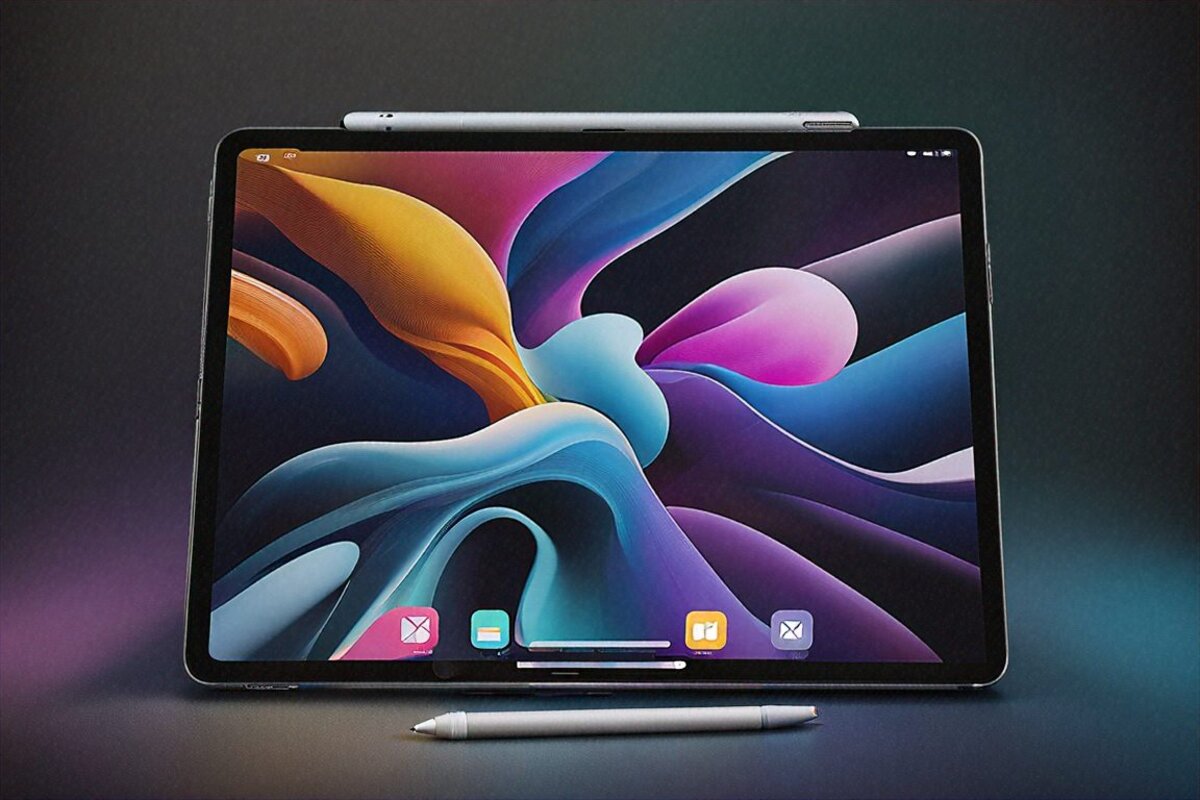
Pull it out of the box and the thinness is the first thing your hands register. 6.18mm. That’s slimmer than an iPad Air, and at around 500 grams you can hold it one-handed for a chapter or two before your wrist starts protesting. The flat-edge aluminium frame feels properly put together — no creak, no give when you press on it. Honestly, your gut tells you it cost more than it did. I don’t say that about ₹30,000 tablets often.
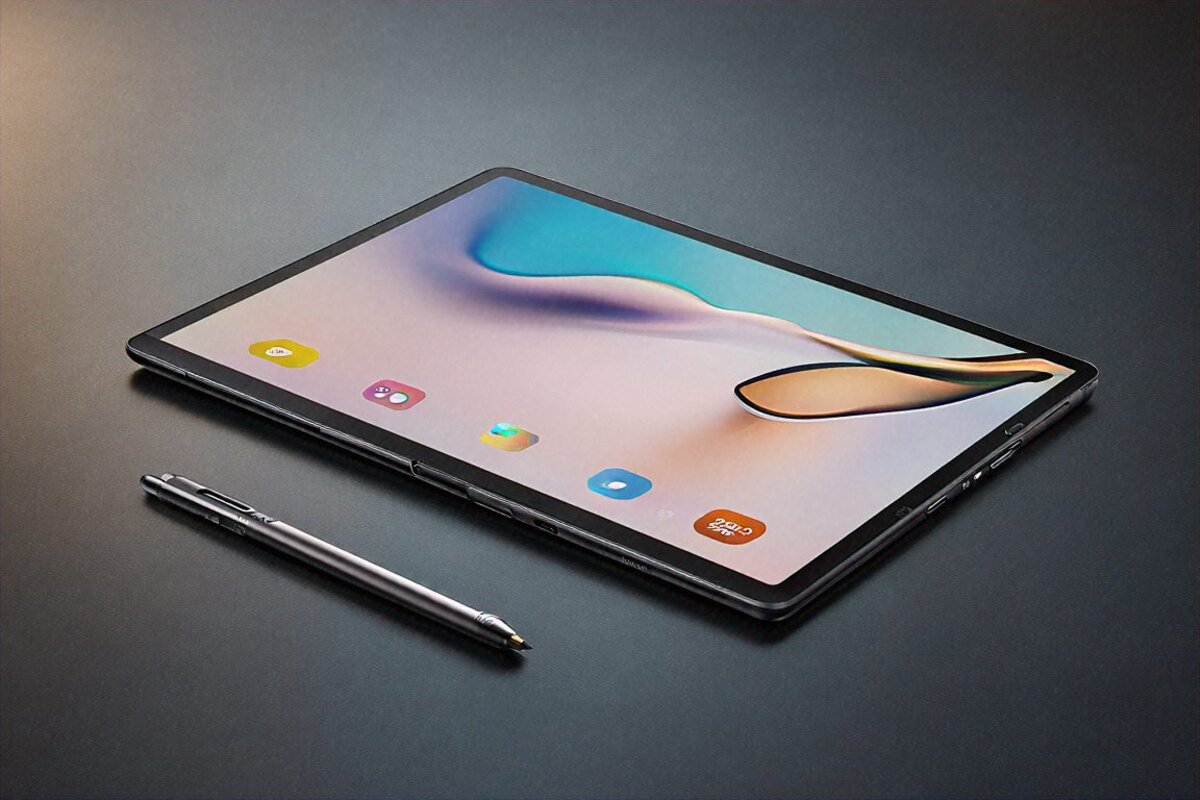
Colours are forgettable: a graphite grey and a paler champagne-silver. I had the grey one, and it gathers fingerprints like it’s being paid to, so budget for a case. On that note — the keyboard cover and the stylus (Xiaomi calls it the Focus Pen) are both extra, which quietly inflates the total if you want the full kit. I’ll come back to those.
Bezels are slim and fairly even all the way round. Not iPad-Pro-thin, but close enough that you stop noticing after a day. The selfie camera sits on the long edge — the landscape side — which is exactly right for a tablet, and Xiaomi nailed it. So many makers still glue the front camera to the portrait edge, which leaves you staring off to one side on every video call. Tiny decision. Makes a real difference daily.
Ports are sparse: one USB-C at the bottom in portrait. Four speakers, two per side in landscape. Pogo pins on the back for the keyboard cover. No headphone jack — a letdown, though nobody’s surprised in 2026 — and no microSD slot, so the storage you pick is the storage you keep. That last one stung a little, because at this price a card slot would’ve been a kindness.
The Display Carries This Tablet
An 11.2-inch IPS LCD — no, hang on. Xiaomi actually dropped a real AMOLED in here. At ₹28,999. A 2.8K AMOLED running 144Hz with Dolby Vision. I genuinely re-read the spec sheet, because this screen belongs on something twice the cost.
Out of the box, the default “Vivid” mode pushes colour without going cartoonish, and if you want accuracy there’s a natural profile to switch to. Peak brightness lands near 1200 nits, plenty for using it outside on an overcast day without squinting. Drag it into direct sun and it does wash out a bit — no tablet AMOLED dodges that — but indoors and on the move, it’s genuinely excellent.
I put a lot of hours of video through it. The extended Oppenheimer cut on Netflix in Dolby Vision, cricket highlights on Hotstar, endless YouTube. Every session, the same thought: this screen is fighting way outside its weight class. Blacks go properly dark because AMOLED, contrast is superb, and 144Hz makes scrolling Instagram and Chrome feel like the pixels are wet. My iPad 10th gen sitting on the shelf suddenly looked like it was wading through treacle.
For reading there’s a paper-like mode that cuts blue light and adds a faint texture to how text renders. I read on Kindle with it for about an hour before bed and my eyes were clearly less fried than with the standard screen. Students grinding through 1am revision will get a lot out of that one. The honest catch with all this AMOLED gorgeousness, though: at very low brightness in a dark room I caught a touch of flicker, the kind PWM-sensitive people sometimes notice. Most won’t. A few will.
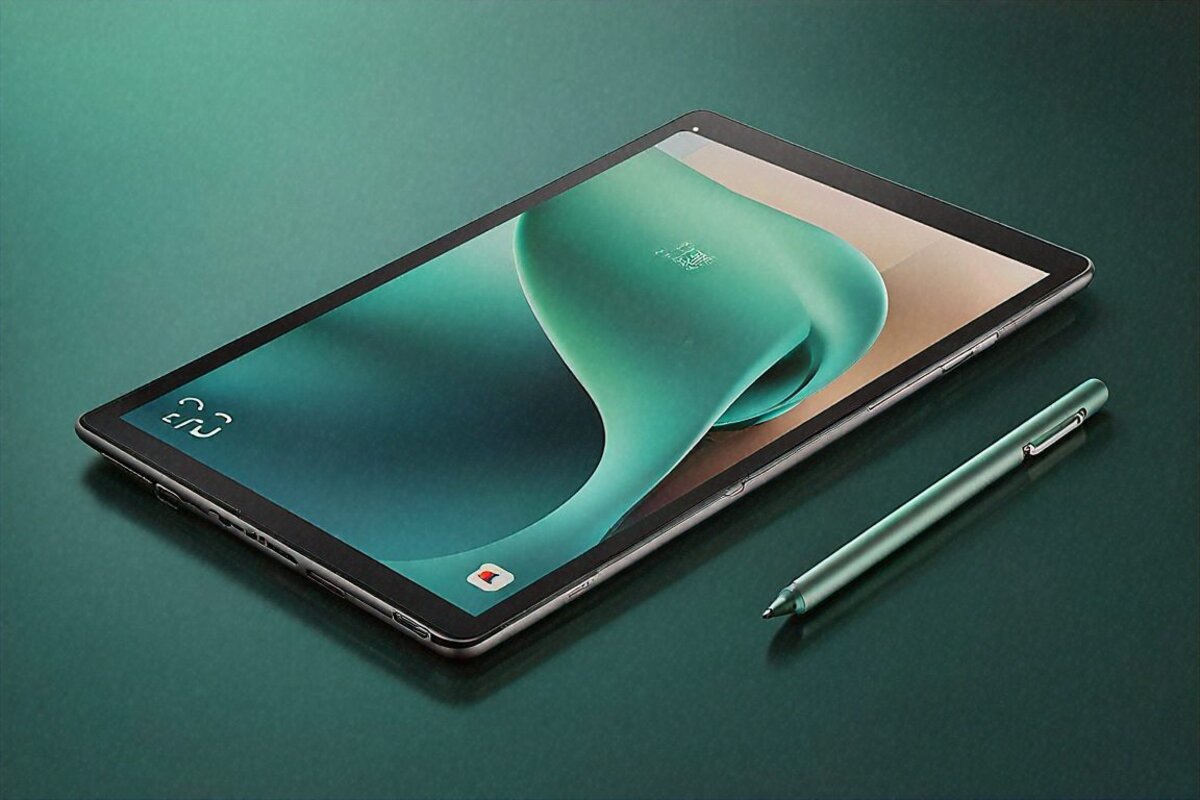
Stylus tracking is good too. Not Apple Pencil good — there’s a hair more latency that anyone drawing will clock — but for notes, marking up PDFs, and rough sketching, the Focus Pen keeps up and pressure does what you’d expect. Handwriting in a lecture or a meeting? Sorted. It won’t stand in for a Wacom on serious art, and it isn’t trying to.
Performance — A Flagship Chip In A Tablet
Xiaomi could’ve slotted in a mid-tier chip and nobody would’ve raised an eyebrow. Most tablets around this price lean on Snapdragon 7-series or MediaTek Dimensity silicon. Instead, in goes a Snapdragon 8 Gen 3 — the chip behind 2024’s flagship phones. Pair it with 8GB of LPDDR5X (12GB on the bigger storage model) and you’ve got more horsepower than most people will ever lean on.
And I mean that as a compliment and a small reality check at once. For the daily stuff — browsing, streaming, social, notes, calls — a Snapdragon 6 Gen 1 would cope fine. You won’t sense the 8 Gen 3 while scrolling the news. Where it shows up: gaming, heavy split-screen, and editing photos or video on the slate itself.
Genshin Impact holds a steady 45-50fps on medium-high. Crank it to the top and you’ll meet thermal throttling after 20-25 minutes. BGMI is gorgeous at smooth plus extreme. Asphalt 9 runs basically maxed. Casual gaming? Total overkill. Serious gaming? It trades blows with tablets north of ₹40,000. The one downside worth flagging: under sustained load the back edge gets noticeably warm, warm enough that you’ll feel it on your fingers in landscape.
Real multitasking impressed me more than any benchmark. Chrome with about 15 tabs, a Google Doc, Spotify ticking away, WhatsApp in split-screen — no stutter, no app reloads. HyperOS manages that 8GB well, and apps hang around in memory longer than I’d have bet. After a Galaxy Tab S6 Lite that reloaded everything the second I looked away, this felt like skipping two generations.
Storage is 128GB or 256GB UFS 3.1. Not the quickest tech going, but more than fast enough for tablet work. Apps install briskly, USB-C transfers are reasonable, and storage never once felt like the thing holding me back.
What I Actually Did With It (And What Clicked)
Let me get specific about who this is for, because Xiaomi’s clearly chasing a broad crowd and some uses land better than others.
- Students taking notes in college: Excellent fit. The Focus Pen, the paper-like display mode, the split-screen for textbook + notes, and the long battery life make this a genuine study companion. I think it could replace a budget laptop for students who primarily consume content and take notes.
- Netflix/YouTube consumption device: Near-perfect. The AMOLED display, quad speakers with Dolby Atmos, and 10+ hour battery make this better than most tablets under ₹40,000 for media consumption. Probably the best value entertainment tablet in India right now.
- Casual gaming: Great. Anything from Subway Surfers to BGMI runs well. Not the device for hardcore Genshin marathon sessions due to thermal limits, but for an hour here and there, it’s more than capable.
- Light productivity with the keyboard case: Decent, with caveats. The keyboard case (₹4,999 separate) is okay — keys are a bit mushy, trackpad is small, and HyperOS’s desktop mode is functional but not as polished as Samsung DeX. For typing emails, editing Google Docs, and light spreadsheet work, it works. Don’t expect it to replace a laptop for serious productivity.
- Digital art and illustration: Not recommended. The stylus latency, while fine for notes, falls short for detailed illustration work. If you’re an artist, save up for an iPad with Apple Pencil or a Samsung Tab S9 FE with S Pen.
- Reading ebooks and manga: Surprisingly great. The AMOLED display’s contrast makes text crisp, the paper mode reduces eye strain, and at 500 grams it’s light enough for extended reading. Not as easy on the eyes as an e-ink Kindle, obviously, but for manga and color-rich reading material, it’s ideal.
Software — Living With HyperOS
HyperOS has travelled a long way from the old MIUI days, and on a tablet it holds up better than I’d guessed. The interface actually feels designed for a bigger screen — icons spaced sensibly, a settings menu that isn’t just a stretched phone UI, and a notification shade with a two-column layout that makes sense.
Split-screen and floating windows behave. Two apps side by side, plus a third floating on top. App switching stays smooth, and the gestures (swipe up for home, in from the edge to go back) match Xiaomi phones, so there’s nothing new to learn if you’re already in the family.
Ads. Let me deal with this, because it’s Xiaomi and someone always asks. I saw a couple of recommendation cards in the app drawer during week one. Flicked off the “content suggestions” toggle in settings and they vanished for good. Nothing in the notification shade, no pop-ups, no spam. Either Xiaomi’s cleaned up its act or the tablet build of HyperOS is just tidier than the phone one. Could be both.
App scaling for the bigger screen is hit-or-miss, and that’s not really on Xiaomi — it’s the Android tablet curse. Instagram runs in a phone-sized window with black bars. X works fine in landscape. Most banking apps are okay. Google’s own apps (Docs, Sheets, Drive) are tuned well. Third-party stuff is a coin toss. This is still the soft spot of Android tablets next to iPadOS, and if app optimisation is your dealbreaker, an iPad is the safer pick. That said, it’s far better than it was two years back, and the popular Indian apps — PhonePe, Paytm, Swiggy, Zomato — all work even when they’re not perfectly fitted.
On updates: Xiaomi commits to three years of OS upgrades and four years of security patches. Not as long as Samsung’s four years of OS updates on their tablets, but fair for the money. I’d bank on Android 16, 17, and maybe 18 landing here.
Battery & Charging
There’s a 10,000mAh cell in here, and across my testing it gave me somewhere around 10-12 hours of mixed use per charge. “Mixed” meaning some YouTube, some note-taking, a bit of gaming, a lot of browsing, the odd video call. On days where I just read and browsed lightly, I crept close to 14 hours. Since most people use a tablet in bursts, that works out to charging maybe every two or three days.
Charging runs at 45W off the bundled brick. Empty to full is about 75 minutes; empty to half, roughly 30. Solid figures for a 10,000mAh battery. Charging never felt like a chore — plug it in over dinner and it’s full by the time you’ve cleared the plates. The one gripe: it’s wired only, no wireless top-up, so you’re always reaching for the cable.
Standby drain is tiny. I left it untouched for 48 hours — Wi-Fi on, notifications arriving — and it shed about 4%. That’s excellent, and it tells me the power management is dialled in.
Speakers & Audio
Four speakers, Dolby Atmos tuning, and they’re genuinely good. Not “good for a tablet, sounds like a Bluetooth puck” good — properly good. Better than anything else around this price and a fair fight for the iPad’s (very strong) speakers. There’s more bass than thin drivers have any right to make, and the stereo split in landscape is wide enough to place sounds left or right while you game or watch.
It goes loud without breaking up. I ran a full film at about 70% and it filled a mid-sized bedroom easily. Crank it to max and the treble picks up a faint hardness, but it’s not a dealbreaker. For most people these will be enough to leave the Bluetooth speaker at home for casual stuff. The honest downside is just the missing jack, which forces everyone onto USB-C or wireless.
No headphone jack means USB-C buds or Bluetooth. Latency with my Sony WF-1000XM5 was low enough that I never caught a lip-sync slip during video, which was a relief.
Cameras (Quick, Because Tablet Cameras)
Rear: 13MP. Front: 8MP. Both fine for video calls, scanning a document, or grabbing a photo when your phone’s in another room. Image quality is exactly “tablet camera” — acceptable, not memorable. The front camera looks decent on calls in good light. In dim rooms, it’s grain central. Nobody should buy a tablet for the cameras. Next.
How It Stacks Up
At ₹28,999, the Pad 7 Pro’s nearest rivals in India are the Samsung Galaxy Tab A9+ (cheaper, far weaker specs), the Realme Pad 2 (similar price, worse display), the OnePlus Pad 2 (dearer at ₹37,999 but a stronger accessory range), and — if you push the budget — the base iPad 10th gen around ₹33,000 in sales.
Against the lot, Xiaomi takes the raw-hardware-value crown. You simply can’t get a Snapdragon 8 Gen 3 tablet with an AMOLED screen and stylus support for less in India. The iPad still wins on apps and on how long it’ll get updates. The OnePlus Pad 2 has the better keyboard. Samsung’s DeX is still the best desktop mode on any Android tablet. But none of them touch Xiaomi on price-to-performance.
If a college student in India asks me for the most hardware per rupee, the Pad 7 Pro is my opening answer. If that same student needs tablet-tuned apps and the longest software runway above all else, I’d nudge them toward the iPad. That’s the cleanest way I can split it.
The Niggles
Nothing’s flawless, and the Pad 7 Pro has a few rough corners worth naming. Face unlock works but it’s slow — about a one-second gap between picking it up and getting in, which feels lazy next to a phone. There’s no fingerprint reader, so face unlock or a PIN/pattern are your only routes. In 2026, side-mounted fingerprint sensors are cheap enough that Xiaomi really should’ve fitted one.
GPS exists but it’s mediocre. If you mount a tablet for car navigation — some people do — expect less accuracy than your phone gives. Bluetooth also hiccupped now and then when juggling connected devices; it forgot my keyboard cover twice in three weeks and made me re-pair. Small stuff, but real.
And HyperOS throws the odd micro-stutter when you open the recent-apps view. Smells like a software optimisation snag that an update could fix, but during my time with it the hitch showed up maybe 3-4 times a day. Never inside an app, only in the system UI. Irritating, not ruinous.
Specs at a Glance
- Processor: Qualcomm Snapdragon 8 Gen 3
- RAM: 8GB / 12GB LPDDR5X
- Storage: 128GB / 256GB UFS 3.1
- Display: 11.2-inch 2.8K AMOLED, 144Hz, Dolby Vision, 1200 nits peak
- Battery: 10,000mAh
- Charging: 45W wired
- Rear Camera: 13MP
- Front Camera: 8MP (landscape-mounted)
- OS: Android 14 with HyperOS
- Speakers: Quad speakers, Dolby Atmos
- Stylus: Xiaomi Focus Pen support (sold separately)
- Connectivity: Wi-Fi 7, Bluetooth 5.4
- Weight: ~500g
- Thickness: 6.18mm
- Price: ₹28,999 (base variant)
Pros
- Stunning 2.8K AMOLED display with 144Hz — best-in-class at this price
- Snapdragon 8 Gen 3 delivers flagship-level performance in a sub-₹30,000 tablet
- Excellent battery life (10-12 hours mixed use) with 45W fast charging
- Quad speakers with Dolby Atmos sound genuinely impressive for a tablet
- Thin, light, premium-feeling aluminum build
- Stylus support for note-taking and annotation
- Landscape front camera placement for better video calls
Cons
- Keyboard case and stylus sold separately — total cost goes up significantly
- No fingerprint sensor; face unlock is slower than ideal
- Android tablet app ecosystem still trails iPadOS
- Stylus latency not good enough for serious digital art
- No headphone jack or microSD slot
- HyperOS has occasional micro-stutters in the system UI
Verdict — 8.6/10
I keep circling back to it. ₹28,999. For what you actually get — not spec-sheet bravado, but real day-to-day quality — the Xiaomi Pad 7 Pro is probably the best-value tablet on sale in India right now. The display alone would carry a higher price. The Snapdragon 8 Gen 3 is gravy. Battery, speakers, build — it all stacks into something that feels priced to make a point rather than a margin.
It isn’t perfect. The software wants polish, the accessories add up fast, and Android tablets still can’t out-app an iPad. But here’s the thought I can’t shake: a college student in Hyderabad or Jaipur or Lucknow, working off a tight budget, needing one device for notes, streaming, light work, and a bit of gaming — this tablet’s going to make them properly happy. And isn’t that the whole point? ₹28,999. That’s it. That’s the number. And it delivers.
Full Specifications
| Processor | Qualcomm Snapdragon 8 Gen 3 |
|---|---|
| RAM | 8GB / 12GB LPDDR5X |
| Storage | 128GB / 256GB UFS 3.1 |
| Display | 11.2-inch 2.8K AMOLED, 144Hz, Dolby Vision, 1200 nits peak |
| Battery | 10,000mAh |
| Charging | 45W wired |
| Rear Camera | 13MP |
| Front Camera | 8MP (landscape-mounted) |
| OS | Android 14 with HyperOS |
| Speakers | Quad speakers, Dolby Atmos |
| Stylus | Xiaomi Focus Pen support (sold separately) |
| Connectivity | Wi-Fi 7, Bluetooth 5.4 |
| Weight | ~500g |
| Thickness | 6.18mm |
| Price | ₹28,999 (base variant) |
Pros
- Stunning 2.8K AMOLED display with 144Hz — best-in-class at this price
- Snapdragon 8 Gen 3 delivers flagship-level performance in a sub-₹30,000 tablet
- Excellent battery life (10-12 hours mixed use) with 45W fast charging
- Quad speakers with Dolby Atmos sound genuinely impressive for a tablet
- Thin, light, premium-feeling aluminum build
- Stylus support for note-taking and annotation
- Landscape front camera placement for better video calls
Cons
- Keyboard case and stylus sold separately — total cost goes up significantly
- No fingerprint sensor; face unlock is slower than ideal
- Android tablet app ecosystem still trails iPadOS
- Stylus latency not good enough for serious digital art
- No headphone jack or microSD slot
- HyperOS has occasional micro-stutters in the system UI
Our Rating: 8.6/10 · Price: ₹28,999

0 Comments