
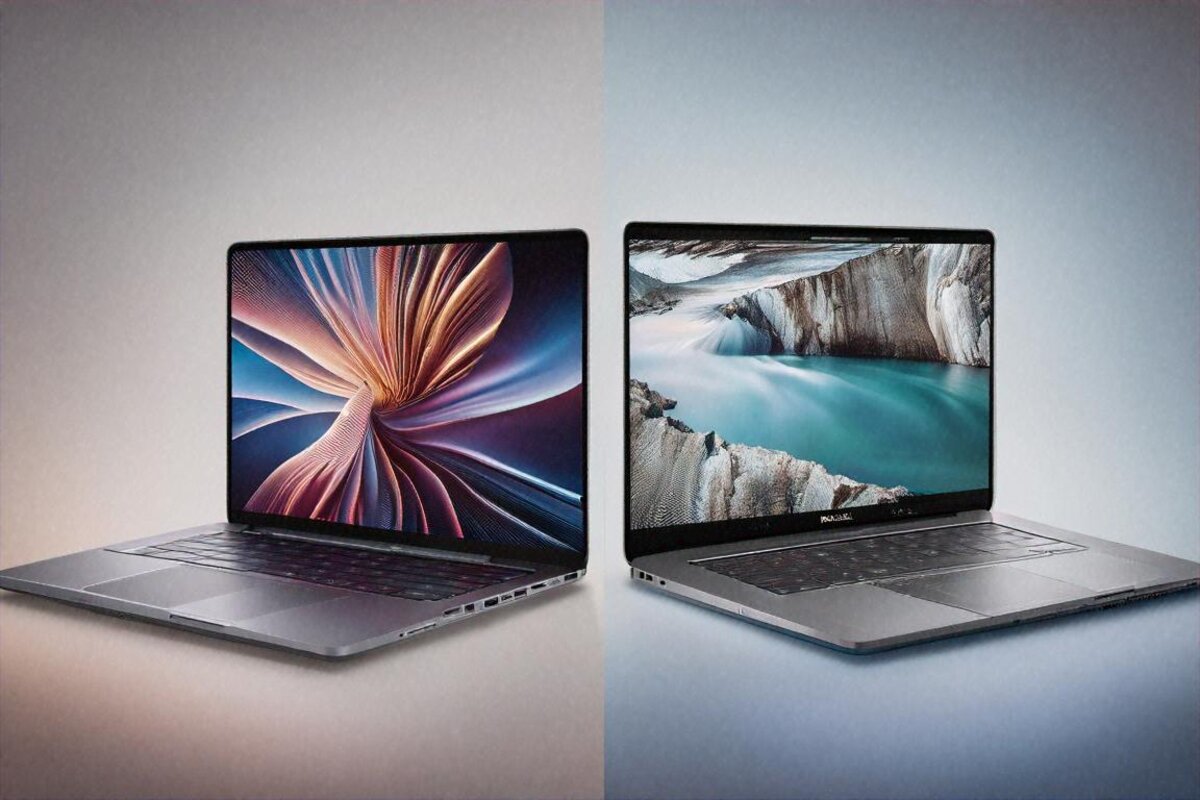
Stop asking which one’s better. Wrong question.
I’ve spent the past month bouncing between the MacBook Pro M4 and the Dell XPS 15 2026 edition, and the longer I use both, the more I’m convinced “which is better” is a question built to waste your time. The better one: which fits the shape of your life? Because these two, despite sharing a price tier and sitting beside each other on Flipkart’s “premium laptops” page, are built for different people — different workflows, different software, different appetite for trade-offs.
The MacBook Pro M4 starts at ₹1,69,900. The Dell XPS 15 2026 starts at ₹1,54,990. Both are serious money here — six months of rent in a Tier 2 city, a decent used car, a full home office. You’re committing to something, so let’s work out which commitment makes sense for you.
Specifications Comparison
| Feature | MacBook Pro M4 | Dell XPS 15 2026 |
|---|---|---|
| Display | 14.2″ Liquid Retina XDR, 3024×1964, 120Hz ProMotion | 15.6″ 3.5K OLED, 3456×2160, 120Hz |
| Processor | Apple M4 (10-core CPU, 10-core GPU) | Intel Core Ultra 9 285H |
| RAM | 16/24/32GB Unified | 16/32/64GB DDR5 |
| Storage | 512GB / 1TB / 2TB SSD | 512GB / 1TB / 2TB PCIe 4.0 SSD |
| Battery | 72.4Wh — up to 22 hours | 86Wh — up to 13 hours |
| Weight | 1.55 kg | 1.86 kg |
| Ports | 3x Thunderbolt 4, HDMI, SD, MagSafe | 2x Thunderbolt 4, USB-C, SD, HDMI |
| Price in India | ₹1,69,900 onwards | ₹1,54,990 onwards |
Display
I want to linger here, because the display each machine picked tells you something about the thinking behind it.
Apple gives you a 14.2-inch Liquid Retina XDR panel at 3024×1964 with ProMotion 120Hz. The aspect ratio sits closer to 3:2 than the usual 16:9, which means more vertical room. If you code for a living you already know why that’s good. More lines on screen. Less scrolling. Documents and spreadsheets feel less boxed in. It’s a working display, tuned for productivity, and it peaks at 1600 nits in HDR. Outdoors at a Delhi cafe in February? Usable. In May? Still readable, though you’ll want shade.
Dell answers with a 15.6-inch 3.5K OLED at 3456×2160 and 120Hz. And look — OLED is OLED. True blacks. Pixel-level dimming. Colours that pop with a punch the MacBook’s mini-LED backlight just can’t match. Watching anything on this screen is a different experience. Netflix at night with the lights off? The Dell turns your room into a private cinema. HDR content looks like it was made for this panel. If you edit video or grade colour for a living, that per-pixel contrast is going to matter in ways the MacBook can’t fully copy.
But OLED carries baggage. Burn-in is still a thing. A Windows taskbar parked at the bottom of the screen eight hours a day, five days a week, for three years? You might start spotting a faint ghost. Maybe you won’t. Some people report it, plenty don’t. It’s a risk, not a certainty, and that uncertainty either bothers you or it doesn’t. Apple’s mini-LED dodges the problem entirely.
Screen size is the other call. 15.6 inches versus 14.2. That 1.4-inch difference sounds small and looks large in daily use. More room for split-screen on the Dell. More space for scrubbing a timeline in a video editor. More breathing room for the Excel files Indian finance teams love packing with 47 columns. The flip side: the bigger panel makes the Dell a bigger, heavier thing to lug around, and there’s no escaping that trade.
Out-of-box colour accuracy is excellent on both. The MacBook covers 100% DCI-P3, and the Dell’s OLED covers 100% DCI-P3 with better contrast ratios. For print work both need calibration — factory profiles are tuned for screens, not paper. But for digital-first work (web design, social content, video), both are plenty good without ever touching a colorimeter.
Performance
Apple’s M4 is a strange thing to benchmark, because the numbers miss the point. In raw multi-core scores the Intel Core Ultra 9 285H in the Dell beats it. Period. More cores, higher peak clocks, better synthetic results. If you’re the sort who posts Cinebench scores on Reddit, the Dell wins that scrap.
Here’s what the benchmarks don’t catch: sustained performance under real work. The M4 runs cool. Frighteningly cool, actually. I rendered a 15-minute 4K video in Final Cut Pro with the MacBook on my lap, and the underside got warm but never uncomfortable. Ran the same kind of job on the Dell (different software, obviously — DaVinci Resolve on Windows) and the fans hit full jet-engine mode inside 90 seconds. The surface got hot enough that I shifted it to a desk. It finished the render a touch quicker in clock time, but using it during that render was clearly the worse experience.
For development work both are excellent, just in different worlds. The M4 handles Xcode like it was born for it (it was). Docker containers run surprisingly well through Apple’s virtualisation layer. VS Code is butter-smooth. Most web stacks — Node, Python, Ruby — feel indistinguishable across the two for normal project sizes.
Dell’s edge shows up in Windows-native work. Visual Studio (the full IDE, not VS Code), AutoCAD, SolidWorks, MATLAB. Enterprise software optimised for x86 Windows over decades still runs better on native Windows hardware than through any compatibility layer on macOS. Indian IT shops running .NET, SAP environments, or custom Windows-only ERP — the Dell is the obvious pick. No emulation, no compatibility guessing, no “will this work” dread.
Gaming is another Dell win, though neither is really a gaming laptop. The Intel’s integrated GPU handles casual titles fine, and you can hang an eGPU off the XPS 15 for serious play. The M4’s GPU runs Apple Arcade and Mac-native games well, but the AAA catalogue on macOS is still a fraction of what Windows offers. If gaming matters to you even a bit, the Dell wins by default.
Memory architecture earns a mention. Apple’s unified memory means 16GB on the MacBook behaves differently from 16GB on the Dell. On the M4, CPU and GPU share one pool with enormous bandwidth, so 16GB stretches further for creative work than you’d guess. On the Dell, 16GB of DDR5 is just 16GB of DDR5 — great, but conventional. The Dell climbs to 64GB for those who need it, while the MacBook caps at 32GB. Data scientists wrangling big datasets in Python might find that 32GB ceiling tight.
Battery Life
MacBook Pro M4: 22 hours claimed, 14-16 hours real-world mixed use. Dell XPS 15: 13 hours claimed, 8-10 hours real-world.
That’s a huge gap, and it changes how you use each laptop in ways a spec sheet can’t convey. With the MacBook I left the charger at home most days. Worked from a Starbucks in Koramangala for five hours, took it to a meeting, edited photos for another two, browsed and emailed in the evening — still had 30% left. It changes your relationship with the machine. You stop thinking about battery. You just… use it.
The Dell’s 8-10 hours is respectable by Windows standards and comfortably clears a workday if you’re near an outlet. But “near an outlet” is a condition, and conditions add friction. Indian co-working spaces often have limited charging spots. Train charging points work sometimes and not others. Airports are better, but you’re still on the hunt for a free socket. The MacBook wipes that whole worry off your day, and once you’ve felt that, going back feels like a step down.
I’d guess the Dell’s larger 86Wh battery (against the MacBook’s 72.4Wh) actually underlines how much more power the Intel chip pulls. A bigger battery delivering less runtime tells you everything about efficiency. Apple’s M4 is just a fundamentally different approach to power, and the runtime shows it.
Keyboard & Trackpad
The MacBook’s keyboard and trackpad are still the laptop benchmark, and the Dell’s gotten close but isn’t there yet — the trackpad especially, which is smaller and less sure with multi-finger gestures.
Ports & Connectivity
Both are well-kitted for 2026, though they go about it differently.
The MacBook Pro M4 gives you three Thunderbolt 4 ports, an HDMI port, an SD card slot, a headphone jack, and MagSafe charging. MagSafe is one of those things you don’t appreciate until someone trips over your cable in a crowded WeWork and your laptop stays put instead of cracking against the floor. In India, where co-working spaces have cables snaking everywhere and desk space is tight, MagSafe isn’t a gimmick — it’s real peace of mind.
The Dell XPS 15 has two Thunderbolt 4 ports, a USB-C, an SD card slot, and HDMI. One fewer Thunderbolt than the MacBook. No MagSafe equivalent, so you charge through one of those USB-C ports, which leaves you one port down while plugged in. For most daily use the selection on both is fine. You’ll probably want a USB-A dongle for either machine if you connect older gear — external drives, presentation clickers, that sort of thing — since neither has USB-A onboard.
Wi-Fi 7 on both. Bluetooth 5.3 on both. No wireless complaints from either during testing.
Software & Ecosystem
That’s where the choice gets personal in a way specs can’t quantify.
macOS shines for creative work. Final Cut Pro, Logic Pro, Xcode — Mac-only, and if any of them are in your workflow the decision’s already made. Photo editing in Lightroom and Photoshop is excellent on the M4, with Apple’s Neural Engine speeding up AI-based edits. iOS developer? You need a Mac. Full stop. No workaround, no alternative.
Apple’s ecosystem integration matters if you’re already in it. AirDrop files between iPhone and MacBook. Take calls on the laptop. Copy text on the phone, paste on the Mac. iPhone mirroring in macOS Sequoia lets you reach UPI apps and other phone-only services without picking up the phone. For someone already carrying an iPhone, AirPods, and an Apple Watch, the MacBook slots into the system like a puzzle piece. Smooth. Expected. Almost boring in how well it works.
Windows 11 on the Dell offers broader compatibility. Most Indian enterprise software runs on Windows. Government portals, banking software, certain tax-filing tools — built for the ghost of Internet Explorer and everything descended from it. Corporate VPNs, remote-desktop tools, Microsoft 365 in full desktop form with every feature unlocked. Indian IT companies run Windows environments, overwhelmingly. If your employer hands you a laptop, there’s maybe a 90% chance it runs Windows. The Dell XPS 15 fits that world without friction.
Gaming, again. If you play games on your laptop — even casually, even just the odd round of Valorant or Civilization after work — Windows is the only realistic call. Mac gaming has improved, but the library gap is still enormous.
.NET developers, C# shops, PowerBI users, SharePoint admins, Azure-heavy teams — these all run better on native Windows. Can you do some of it on a Mac with Parallels or Boot Camp? Technically, though Boot Camp doesn’t exist on Apple Silicon, so Parallels or UTM are your options, and they pile on cost, complexity, and the odd compatibility oddity. When the whole office runs on Microsoft’s stack, the path of least resistance is a Windows machine.
Build Quality & Design
Both laptops are lovely objects. Genuinely.
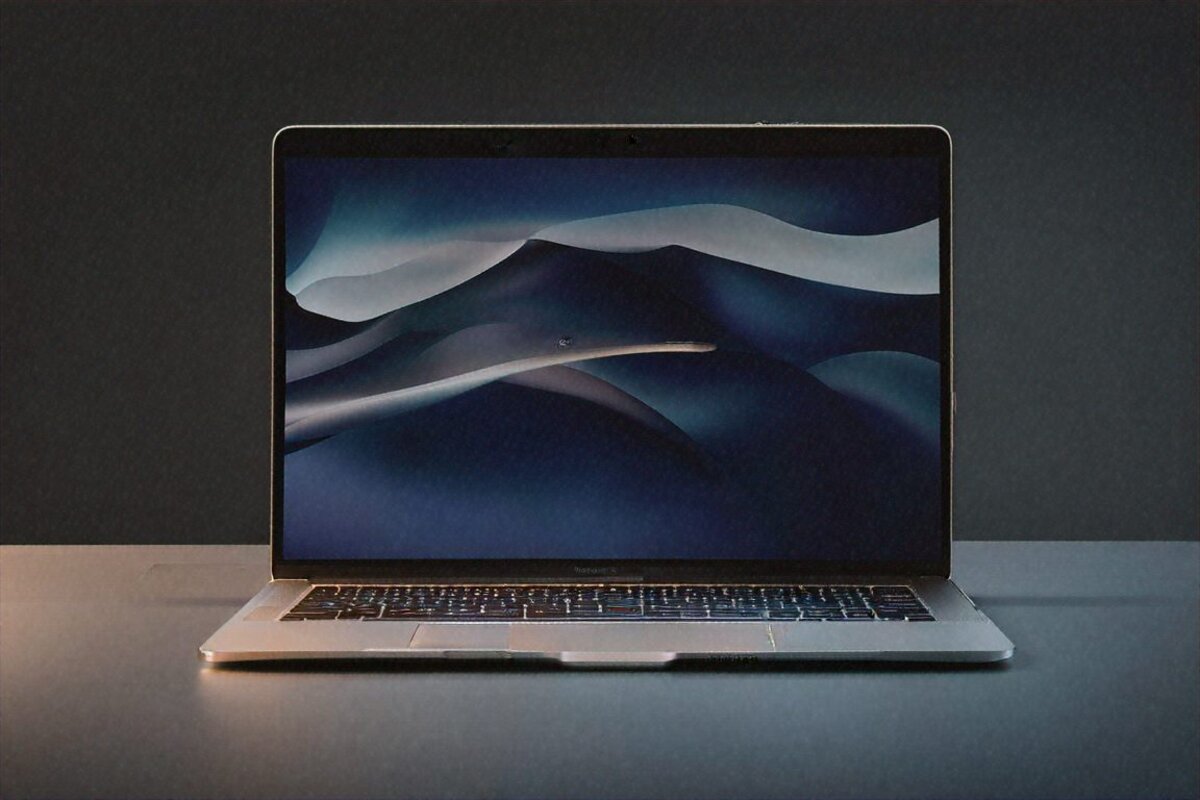
The MacBook Pro M4 has that unibody aluminium construction Apple’s been refining for over a decade. Rigid. No flex in the lid, no wobble in the keyboard deck, no creak. At 1.55 kg it’s light enough to carry in a backpack all day and forget about. The space black finish looks professional without trying too hard.
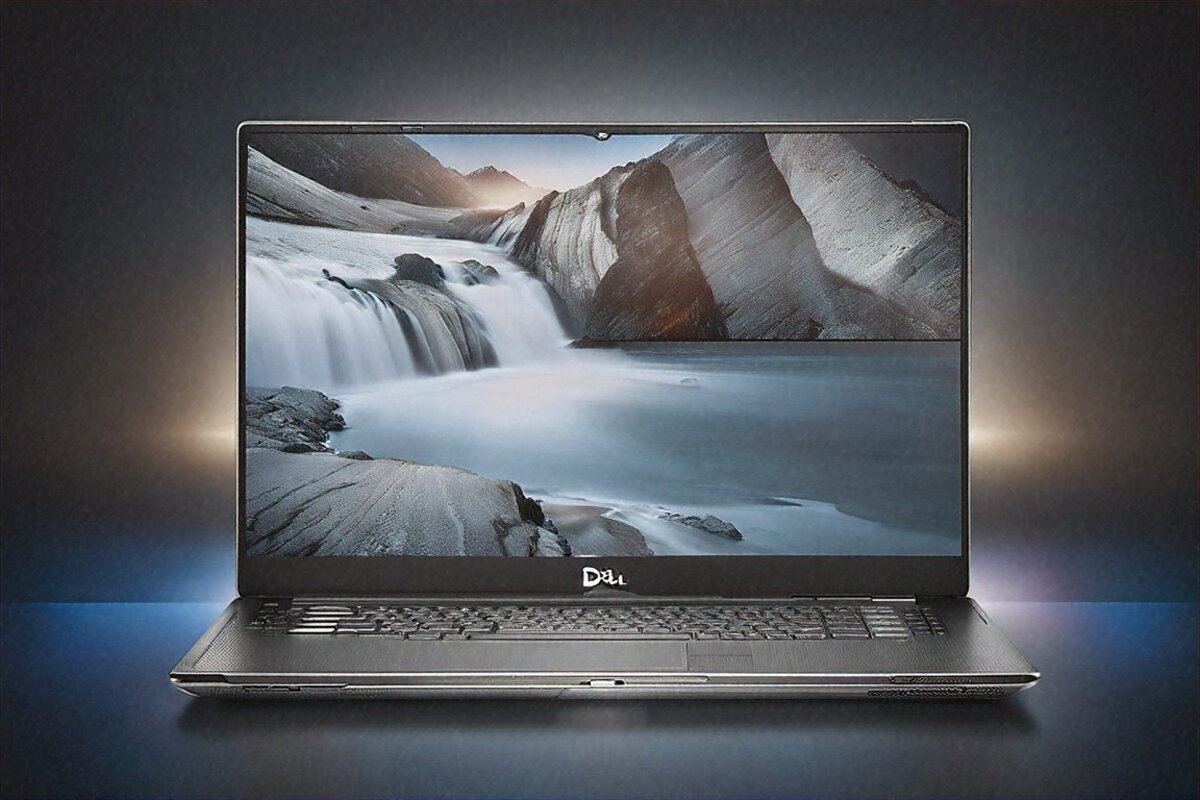
The Dell XPS 15 uses a CNC-machined aluminium chassis that’s also very well built. Heavier at 1.86 kg — you feel that 310-gram gap over a long day. The infinity-edge display with minimal bezels gives it a modern, almost frameless look. Dell’s hinge is solid and holds the screen at any angle without sagging.
Speakers: the MacBook wins. A six-speaker setup with spatial audio that puts out sound you wouldn’t believe came from a laptop. The Dell’s speakers are decent but thin by comparison — fine for conference calls, underwhelming for music. If you watch a lot without headphones, the MacBook’s speakers are good enough to skip external ones in a pinch.
Webcam & Video Calls
The MacBook Pro M4 has a 12MP Center Stage camera that’s among the best laptop webcams going. Video-call image quality is clearly better than most Windows laptops, and Center Stage tracking keeps you framed if you shift around mid-meeting. In a poorly lit Indian home office — not everyone owns a ring light — the MacBook’s camera still hands you a clean, reasonably exposed image.
The Dell’s webcam is a standard 1080p sensor. Fine for Teams and Zoom. Not remarkable. Gets the job done without embarrassing you, but set it beside the MacBook’s camera and the difference is visible. If you’re on video calls for hours daily (and in 2026, who isn’t?), the MacBook gives you a better on-screen presence.
Indian Pricing & Availability
The MacBook Pro M4 starts at ₹1,69,900 for the base config (M4, 16GB, 512GB). Jump to 24GB RAM and 1TB storage and it crosses ₹2,00,000. No student discount runs directly in India through Apple’s education store, though authorised resellers sometimes shave ₹5,000-8,000 off during back-to-school season.
The Dell XPS 15 starts at ₹1,54,990, roughly ₹15,000 cheaper at the base. Spec it with 32GB RAM and 1TB storage and it lands around ₹1,75,000. Dell’s trump card here is that RAM and SSD are user-upgradable — buy the base model and add your own RAM or storage later, something Apple won’t let you do. For budget-minded buyers, that flexibility is worth weighing.
Both are on Amazon India, Flipkart, and through brand stores. Sale discounts during Diwali and Republic Day events can knock ₹10,000-20,000 off either. Time your purchase and the savings are real.
Extended warranty and accidental damage cover: AppleCare+ runs ₹14,900 for two years (total, not on top). Dell Premium Support Plus with accidental damage cover runs about ₹8,000-12,000 for similar terms. Dell’s service network is also denser — more authorised centres in Tier 2 and Tier 3 cities. Apple’s authorised presence has grown but still trails Dell’s reach outside the metros.
Repairability & Upgrades
The Dell XPS 15 takes this category cleanly. RAM is socketed, so you can move from 16GB to 32GB or 64GB yourself. The SSD is a standard M.2 slot — swap it in ten minutes with a screwdriver. If something dies after warranty, the laptop repair shops in Nehru Place or SP Road can source parts and sort it.
The MacBook Pro M4? Everything’s soldered to the board. RAM, SSD, battery — all fixed at purchase. Buy 16GB and you’re living with 16GB for the life of the machine. Repairs go through Apple or authorised centres only, and the bills can be eye-watering. A logic board replacement on a MacBook Pro can run ₹40,000-60,000 out of warranty. Set that against ₹3,000 to swap a RAM stick on the Dell.
In India, where repair culture runs deep and people expect electronics to last 5-7 years, the Dell’s repairability is a genuine plus. Buying a Mac means committing to Apple’s service ecosystem for the device’s whole life, and that ecosystem, reliable as it is, costs money and stays geographically limited.
Verdict
Buy the MacBook Pro M4 if: battery life matters more than anything else to you, you work in creative fields (video, photo, music, iOS development), you’re already in the Apple ecosystem with an iPhone and AirPods, or you value build quality and the trackpad above all. At ₹1,69,900 it’s a premium over the Dell, but the all-day battery and thermal efficiency make it the best machine for freelancers, remote workers, and anyone who works untethered from a desk for long stretches.
Buy the Dell XPS 15 2026 if: your work demands Windows — enterprise IT, .NET development, CAD software, gaming on the side — or you want a larger OLED display, or upgradability matters, or you simply want to save ₹15,000 at the base level. The better call for Indian IT professionals in Windows-first corporate environments, engineering students who need CAD and simulation tools, and anyone who’d rather not be locked into Apple’s repair ecosystem.
If your company hands you a Windows laptop for work, get the MacBook for personal use. If you need one machine for everything — office work, personal projects, the occasional gaming session — the Dell XPS 15 offers broader compatibility for Indian enterprise needs at a lower price. That’s not a cop-out answer. It’s the honest one.
Our Rating: 9.2/10 · Price: ₹1,69,900

0 Comments