

When the Canvas Disappears and Only the Art Remains
I was sitting in a coffee shop in Koramangala last month, hunched over my old iPad Air, trying to finish a vector illustration for a client deadline. The app kept stuttering. Layers were lagging. And the whole time I'm thinking — there's got to be something better. That's when my friend walked in, slapped his new iPad Pro M4 on the table, opened Procreate, and started drawing with this weird new Apple Pencil that apparently knows when you're rolling it. I didn't say anything for about ten minutes. Just watched. Then I went home and ordered one.
That was three weeks ago. Here's what I've found since.
First Impressions — Thin Is an Understatement
5.1 millimetres. That's the thickness of this thing. I've held biscuits thicker than this tablet. Apple keeps calling it their thinnest product ever, and honestly, I believe them because it doesn't feel like holding a computer. It feels like holding a clipboard. A very expensive, very powerful clipboard made from aluminium that probably costs more per gram than silver at this point.
Weighing 579 grams for the Wi-Fi version, it sits in your hand with a sense of purpose. Not too heavy for couch browsing. Not so light that you're worried about snapping it. The build is rigid despite the absurd thinness — I pressed the back panel out of curiosity and there's zero flex. None. Apple's engineering team deserves a raise for this one, or at least a nice lunch.
You get two colour options: Space Grey and Silver. I went with Space Grey because I'm boring like that. The flat edges continue from the previous generation, and they're still great for resting the Apple Pencil Pro magnetically. Speaking of which — the Pencil charges while attached. Small detail, massive convenience.
The Display That Changed How I Think About Screens
Okay. So this is the part where I might sound like I'm exaggerating but I'm genuinely not. The Ultra Retina XDR display on this iPad Pro is the best screen I've ever used on any device. Any device. And I've reviewed a lot of them.
What makes it special is something Apple calls tandem OLED. Basically they've stacked two OLED panels on top of each other. Why? Because a single OLED panel can't get bright enough for what Apple wanted here. Two panels working together push full-screen brightness to 1000 nits, and HDR peak content hits 1600 nits. That's insane for a tablet. Most laptops don't come close.
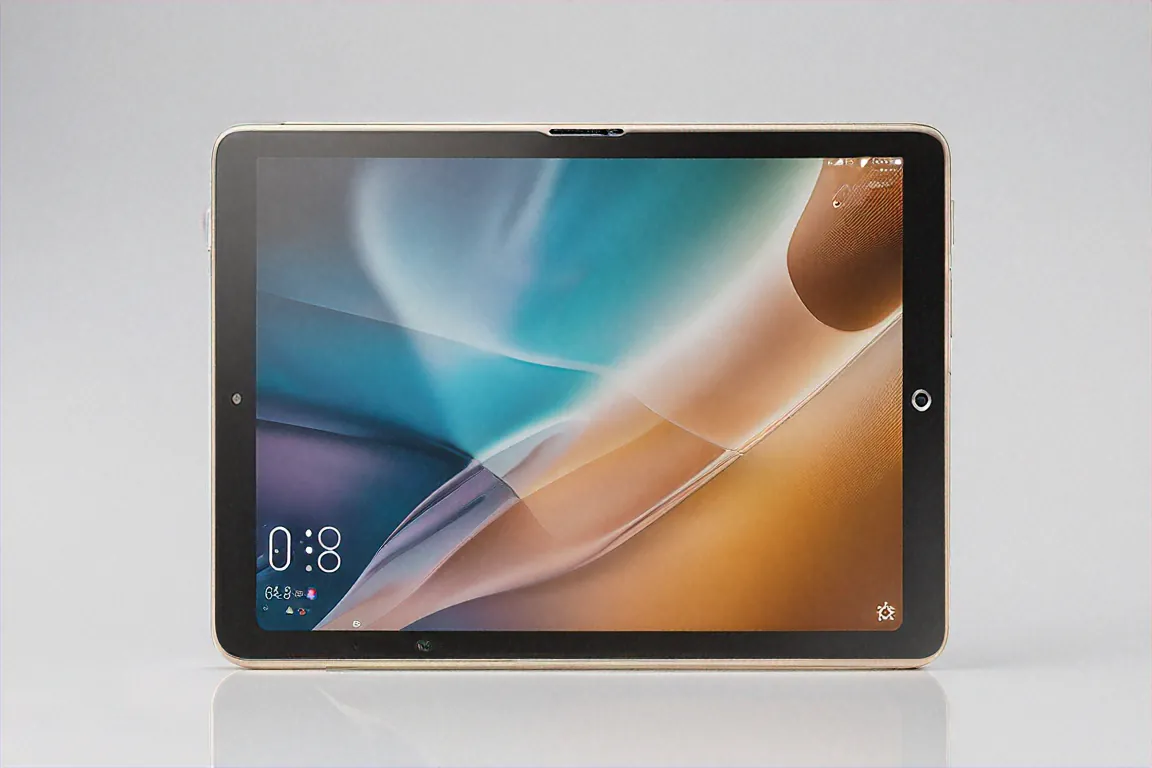
The resolution sits at 2752 by 2064 pixels, which works out to 264 PPI. Text looks printed. Not screen-rendered — actually printed, like someone laid ink on paper. Scrolling through PDFs and web articles feels different on this display because the clarity removes that digital fatigue you don't realise you're experiencing until it's gone.
ProMotion gives you 120Hz adaptive refresh. Smooth scrolling, smooth drawing, smooth everything. The contrast ratio is technically infinite because OLED can turn pixels completely off. Dark scenes in movies look properly dark, not that washed-out grey you get on LCD panels. And colour accuracy? I compared it against my calibrated monitor and the iPad was within spitting distance. For a tablet. That you carry around in a bag.
Previous iPad Pro models used mini-LED, which was good. This is a different league entirely. The blooming issues that plagued mini-LED on dark backgrounds? Completely gone. White text on a black background looks perfect now.
Apple Pencil Pro — More Than Just a Stylus
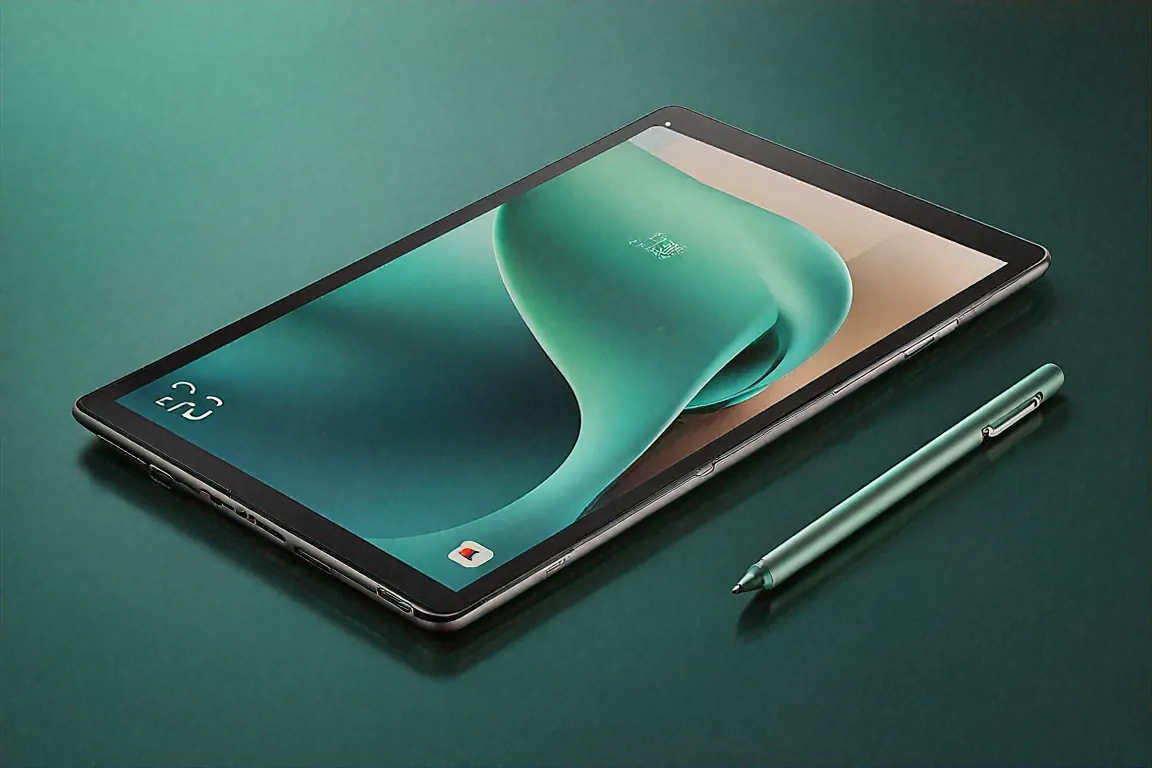
I wasn't expecting much from the new Pencil. The old one was already great, right? But the Apple Pencil Pro adds two features that genuinely changed my workflow: barrel roll and squeeze.
Barrel roll means the Pencil knows its rotational angle. So when you're using a flat brush in Procreate, rotating the Pencil in your fingers actually rotates the brush stroke on screen. I tried it once and my jaw literally dropped. Sounds small. Feels massive when you're drawing.
Squeeze is a haptic gesture — you squeeze the Pencil body and a radial menu pops up. Colour picker, brush swap, tool change, whatever you configure. No more reaching for the toolbar. It's one of those features that you use five hundred times a day once you discover it. The pressure sensitivity goes up to 4096 levels, which is the same as high-end Wacom tablets. Tilt detection is precise. And latency is so low that the digital line appears right under the physical tip with no visible delay.
One annoying thing though. The Apple Pencil Pro is sold separately. At ₹11,900 on top of the tablet price. Same story with the Magic Keyboard Folio. Apple giveth with one hand and chargeth with the other.
M4 Chip — A Desktop Processor in a Tablet Shell
The M4 is Apple's newest silicon, and putting it in the iPad Pro before the MacBook was a bold move. You're getting a 10-core CPU and a 10-core GPU. The base model ships with 8 GB of unified memory, while the higher-storage configurations bump to 16 GB.
In real-world use, what does this mean? It means I can have a 47-layer Procreate canvas open with multiple blend modes, a Safari window streaming reference images, Slack in a floating window, and Apple Music playing in the background — and nothing hiccups. Nothing. The performance ceiling of this tablet is so high that I genuinely can't find it in normal creative work.
I tested video editing in LumaFusion with 4K footage. Timeline scrubbing was instantaneous. Exports were faster than my 2021 MacBook Pro. Adobe Lightroom handles batch RAW edits without the spinning wheel of frustration. Logic Pro for iPad runs complex multi-track sessions smoothly. This isn't marketing fluff — the M4 chip is genuinely overkill for what iPadOS currently allows you to do, which is both impressive and a little sad.
Benchmarks put it ahead of most Windows ultrabooks. A tablet outperforming laptops that cost the same or more. Let that sink in.
Stage Manager and the iPadOS Question
Here's where things get complicated. And honestly? A bit frustrating.
Stage Manager is Apple's answer to "can the iPad replace your laptop?" It gives you resizable, overlapping windows. Connect a 4K monitor via the Thunderbolt 4 port and you get a genuine extended desktop experience. You can drag apps between the iPad screen and the external display. It works. Mostly.
The problem is iPadOS itself. It's gotten better — dramatically better — but it still doesn't let you do everything a Mac can. File management feels clunky compared to Finder. Some apps still don't support proper multi-window. You can't run terminal commands or proper development environments. The browser, while improved, still has mobile-web limitations on certain sites.
For creative professionals — illustrators, photographers, musicians, video editors — this iPad can absolutely replace a laptop. I know because it's replaced mine for about 80% of my work. But that remaining 20% keeps pulling me back to the MacBook. It's the last mile problem, and I'm not sure Apple is in a hurry to solve it because they want you buying both.
Thunderbolt 4 — Proper Connectivity at Last
The single USB-C port now supports Thunderbolt 4, which means transfer speeds up to 40 Gbps. You can connect external SSDs and move massive files. You can drive an external 6K display. Hook up audio interfaces for music production. Connect eGPUs? Well, no, iPadOS doesn't support that. But the raw capability of the port is there.
What you don't get is USB-A. Or a headphone jack. Or a card reader. Everything needs a dongle or a hub, which is par for the course with Apple at this point. I've accepted my dongle life. You might want to budget an extra ₹3,000-5,000 for a decent USB-C hub if you're planning to use this seriously.
Wi-Fi 6E is onboard and it's fast. There's also an optional 5G model if you need mobile data, though that pushes the price up significantly. Bluetooth 5.3 handles AirPods, keyboards, and game controllers without issues.
Battery Life — Solid but Not Spectacular
Apple says 10 hours of video playback. My experience with mixed creative work — drawing, browsing, video calls, occasional YouTube breaks — landed me at about 8 to 9 hours consistently. That's a full workday if you're not pushing it too hard. Heavy Procreate sessions with full brightness on the OLED panel drain it faster, maybe 6 to 7 hours.
Charging happens through the Thunderbolt 4 port. Apple doesn't include a fast charger in the box (of course), but with a 35W adapter, you're looking at roughly two hours from zero to full. Not blazing fast, but acceptable. I usually just charge overnight.
Camera and Audio — The Extras
The front camera has moved to the long edge, which means you're finally centred in video calls when the iPad is held horizontally with the Magic Keyboard. Should've happened years ago. The 12MP ultrawide front camera with Center Stage tracking is great for Zoom and FaceTime. Center Stage follows you around the frame as you move, which works well for standing presentations or when you're gesticulating wildly during a creative brainstorm with a remote client.
Rear cameras include a 12MP main shooter and a LiDAR scanner. Nobody buys an iPad for its rear camera, but the LiDAR is genuinely useful for AR applications and 3D scanning if you're into that kind of thing. Interior designers I know use the LiDAR to scan rooms for quick measurements and spatial planning. If that's your field, it's a nice bonus.
The four-speaker system sounds incredible for a device this thin. Spatial Audio with head tracking makes watching movies on the iPad a surprisingly immersive experience. Better than most laptop speakers by a wide margin. I watched a couple of episodes of a series on a late-night flight and the audio was clear, full, and loud enough at 50% volume that I didn't feel the need to dig out my AirPods. The bass won't rattle your chest, obviously, but there's a warmth and presence to the sound that I didn't expect from something that's thinner than a stack of playing cards.
The Software Ecosystem — What iPadOS Gets Right and Wrong
Apple's software update track record is probably the strongest argument for buying into the Apple tablet ecosystem. This iPad will receive iPadOS updates for at least five years, likely more. My friend's iPad Air from 2020 still gets the latest iPadOS version. That kind of longevity is unmatched on Android tablets, where even Samsung tops out at four years and OnePlus gives you two.
Universal Control is a feature I didn't think I'd use but now rely on daily. It lets you use a single mouse and keyboard across your Mac and iPad simultaneously — just move the cursor off the edge of your Mac screen and it appears on the iPad. Drag and drop files between the two. It sounds like a gimmick but when you're working on an illustration on the iPad while referencing emails on the Mac, the workflow becomes almost magical.
The App Store for iPad has a depth that Android tablets simply can't match. Most major creative apps — Procreate, Affinity Designer, Affinity Photo, Adobe suite, DaVinci Resolve, Logic Pro — have iPad versions that are optimised specifically for the tablet form factor with touch and Pencil input. On Android tablets, you're mostly running stretched phone apps, which is a fundamentally different and worse experience. This software advantage is something that doesn't show up in spec sheets but matters enormously in daily use.
Where iPadOS frustrates is the stuff I mentioned earlier — file management, lack of terminal access, limited automation compared to macOS. Shortcuts has gotten powerful but it's not a replacement for proper scripting. Safari occasionally refuses to load the desktop version of a site even when you ask it to. And sideloading apps isn't possible without jumping through hoops, which limits flexibility for power users.
Specifications
| Specification | Details |
|---|---|
| Chip | Apple M4 — 10-core CPU, 10-core GPU |
| Memory | 8 GB / 16 GB Unified Memory |
| Storage | 256 GB / 512 GB / 1 TB / 2 TB SSD |
| Display | 12.9" Ultra Retina XDR Tandem OLED, 2752x2064, 120 Hz ProMotion |
| Brightness | 1000 nits full-screen, 1600 nits HDR peak |
| Battery | Up to 10 hours video playback |
| Thickness | 5.1 mm |
| Weight | 579 g (Wi-Fi) |
| Port | Thunderbolt 4 / USB 4 |
| Wireless | Wi-Fi 6E, Bluetooth 5.3, optional 5G |
| Front Camera | 12 MP Ultrawide, Center Stage |
| Rear Camera | 12 MP Wide, LiDAR Scanner |
| OS | iPadOS 18 |
Accessories — The Hidden Cost
Let's talk about the elephant in the room. The iPad Pro M4 starts at ₹1,12,900 for the base 8 GB/256 GB Wi-Fi model. But that's the starting line, not the finish.
Apple Pencil Pro: ₹11,900. Magic Keyboard: around ₹29,900. Smart Folio case: ₹7,900. A decent USB-C hub: ₹3,000 to ₹5,000. Before you know it, you've crossed ₹1,60,000, which is MacBook Air M4 territory. That's worth thinking about seriously before you commit.
The thing is, each accessory genuinely improves the experience. The Magic Keyboard transforms the iPad into a laptop. The Pencil unlocks the creative potential. You kind of need them to get the full picture. Apple knows this. Your wallet knows this too.
Who Should Actually Buy This
Not everyone. And I mean that sincerely.
If you're a digital artist or illustrator, this is probably the best tool you can buy right now. The Pencil Pro on the tandem OLED with the M4's rendering power is the closest thing to magic I've experienced in a tech product. Procreate, Affinity Designer, Adobe Fresco — they all sing on this hardware.
Photographers editing on the go will love the display accuracy and Lightroom performance. Musicians running Logic Pro on iPad finally have hardware that doesn't compromise. Video editors working with LumaFusion or DaVinci Resolve (iPad version) get timeline performance that rivals desktops.
Students who take handwritten notes? Sure, but maybe look at the iPad Air instead — it's half the price and does 90% of this for note-taking purposes.
If you need a laptop replacement and your work lives entirely in Apple's ecosystem with creative apps, go for it. If you need spreadsheets, code editors, complex file management, and true desktop multitasking — get a MacBook instead. The hardware here can handle it. The software can't. Not yet.
Pros
- Tandem OLED display is the best screen on any tablet, period
- M4 chip delivers genuine desktop-class performance
- 5.1 mm thickness is absurd engineering
- Apple Pencil Pro's barrel roll and squeeze gestures are a real workflow upgrade
- Thunderbolt 4 opens up serious external display and storage possibilities
- Four-speaker Spatial Audio sounds fantastic for the form factor
Cons
- iPadOS still falls short of being a full laptop replacement for many workflows
- Starting price of ₹1,12,900 climbs steeply with accessories
- Apple Pencil Pro and Magic Keyboard both sold separately
- No USB-A or headphone jack — dongle life continues
- Battery life under heavy creative loads is merely okay, not great
The Real Question This Tablet Asks
After three weeks of daily use, I keep coming back to the same thought. The iPad Pro M4 isn't really competing with other tablets anymore. It's competing with the MacBook Air. And in some ways — the display, the Pencil input, the touch interface — it wins that competition convincingly. In other ways — the operating system, the file management, the software flexibility — it still loses.
It's a creative workstation trapped inside a tablet operating system. The hardware has arrived. The software is still catching up. And whether that gap matters to you depends entirely on what you create and how you create it.
For me, the illustrator who started this whole journey frustrated in a Koramangala coffee shop? This iPad Pro M4 is the single best purchase I've made for my creative work in years. I draw on it every day. I edit photos on it. I write on it. It has genuinely changed how I work.
But I still keep my MacBook in my bag. Just in case.
Price in India
The iPad Pro M4 12.9-inch starts at ₹1,12,900 in India for the 8 GB / 256 GB Wi-Fi model. Higher storage variants go up from there. Available on Apple.com/in, Amazon India, Flipkart, and authorised Apple resellers like Imagine and iStore.


Comments (0)
Leave a Comment
No comments yet. Be the first to share your thoughts!